By Sarah Harmon
Google Suites
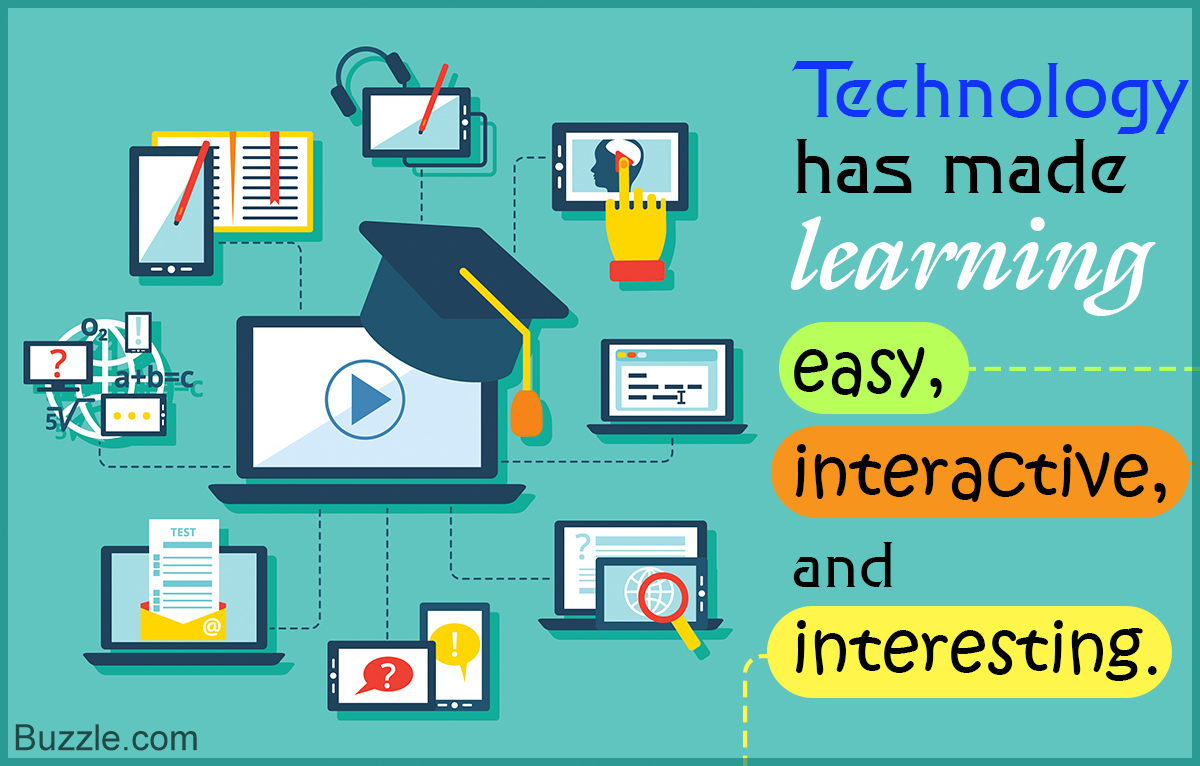
Google suites (G suites) including documents, slides, forms,
sheets, drawings, jamboard and Google classroom are an excellent technology
resource for students. Students can work on shared documents in real-time
collaboratively to complete assignments. Google classroom works well for storing
lesson assignments, postings, materials, resources, rubrics, grades, etc.
Use, Practicality, Cost, Ease, and Cross-Curricular Ability
Having shareable documents in a school setting where
collaboration and group assignments are common makes communication easier and
more feasible in a variety of settings. The variety and sharing ability allows
for suites to be used in any subject and also for interdisciplinary units or
projects.
Readiness for the use of technology is important for
educators to intentionally integrate into the curriculum. Before training
students, teachers need to be given professional development and training on
the features and applications. There does need to be explicit instruction
initially for both staff and students. The more students use applications in G
suites, the more familiar and adept they will become. However, Google requires
a substantial financial commitment with a cost per month, per user.
Differentiation for Readiness, Interest, and Learning Styles
The features of G suites naturally allow students to present
information in a variety of formats and degrees of implementation. Students can
also use features like uploading images, photos, videos, and links. Google
created speech to text, google translate, languages, and compatibility with
other suites. Nieto & Bode (2018) highlight the importance of teaching that
is relevant to students’ lives and technology is a major facilitator in helping
to do that. Moreover, differentiation is well supported with the use of suites
as students can access resources on the web as well as shared from peers and
teachers.
Ownership of Learning
Google suites and classroom are platforms that promote students working as a team but also as individuals. AES Education (n.d.) notes that students learn to approach G suites practically by determining which application would best serve the purpose of the assignment given. Technology supports students in effectively organizing and presenting information. Students can use charts and graphs for data sharing, give and present surveys, create slides and practice presenting speeches, etc. Learning is enhanced with the use of digital information.
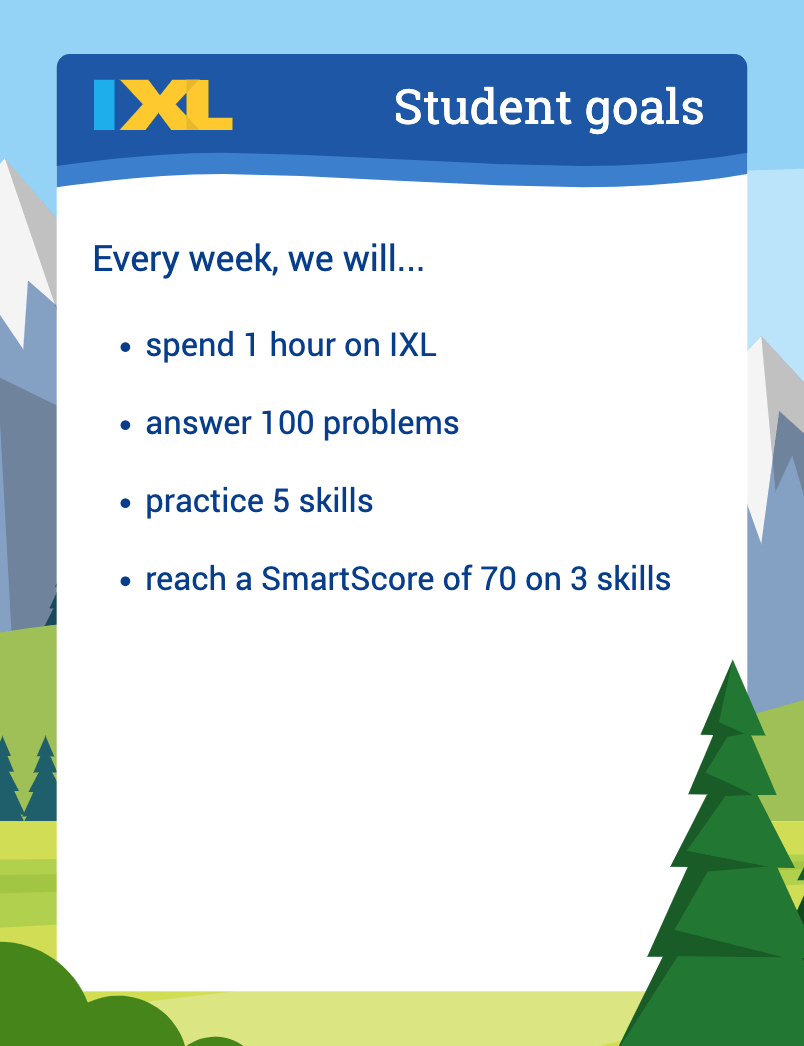
IXL is a learning platform that offers skills in math,
language arts, science and social studies. In IXL, personalized learning allows
students to practice skills for proficiency and mastery by targeting students’
areas of need. Assignments can be given to the whole class or students
individually, as well as a diagnostic tool. IXL tracks progress for real-time
diagnostics by measuring students’ grade level proficiency.
Use, Practicality, Cost, Ease, and Cross-Curricular Ability
IXL is a yearly subscription totaled by number of students
and while it is not cheap, it is an addition to curriculum that strongly
supports specific skills practice and recall. Setting up the roster is simple
and teachers can easily print off QR cards for students to use for quicker sign
in to the program. Using the program is easy for students, even in younger
grades. Many of the activities include themes by season but there isn’t a high
amount of cross-curricular overlap. It’s mainly practice on a targeted skill in
a given subject area.
Differentiation for Readiness, Interest, and Learning Styles
Readiness and differentiation are well met by IXL because the diagnostics create an individualized learning plan based on skills students need more practice in for proficiency. Also, students can be assigned prior skills that will help lead up to mastery of grade level skills. This isn’t a platform where students get to express learning styles in a variety of ways, however interest levels seem to be high because they can earn certificates and rewards. Also, students are more motivated towards independent work when it is at their level. “When students believe they can succeed and feel positive about their achievements and potential, their confidence increases and motivation improves.”
Powtoon
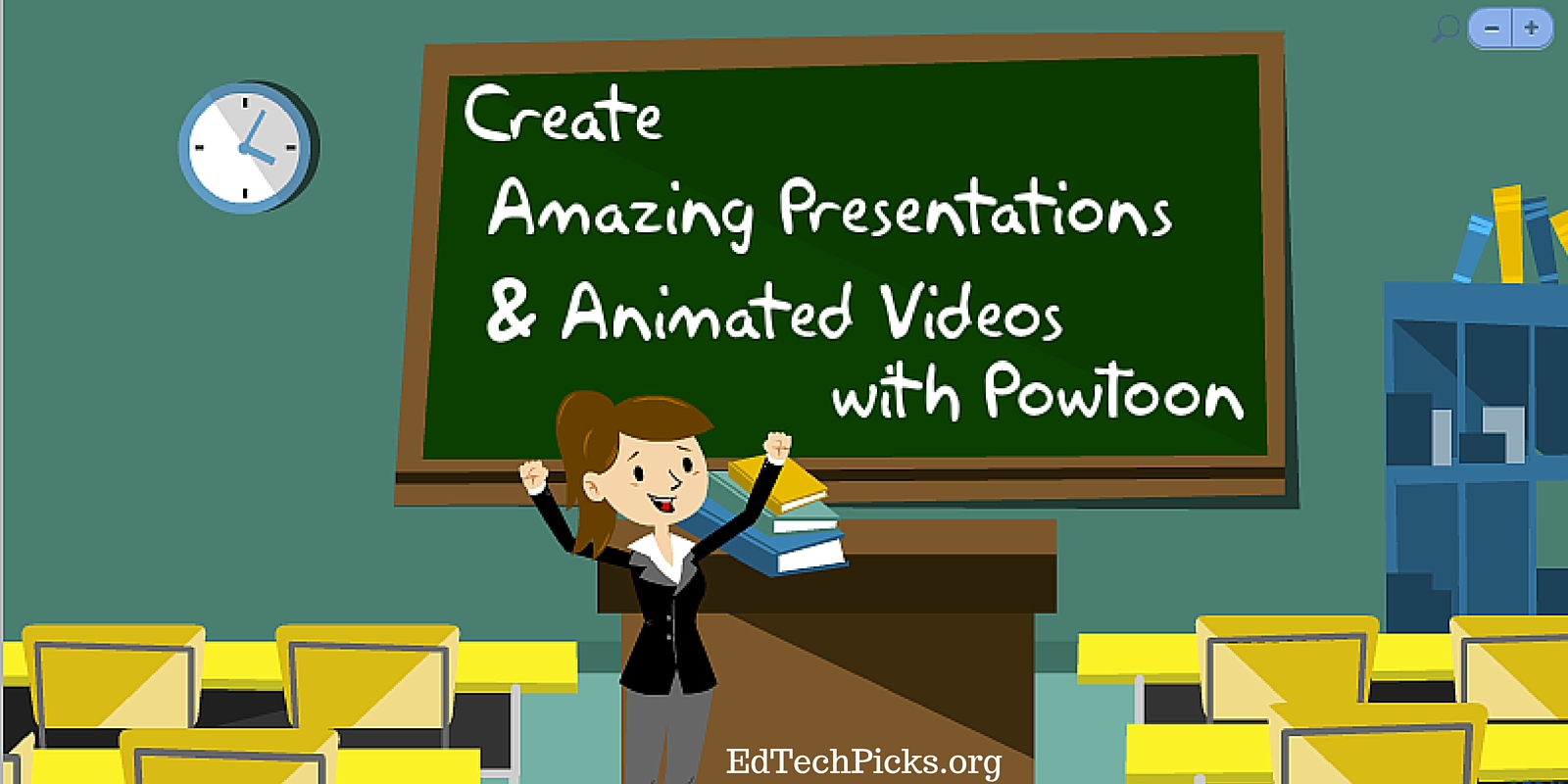
“Powtoon Ltd. is a British company which sells cloud-based
animation software for creating animated presentations and animated explainer
videos. The name "Powtoon" is a portmanteau of the words
"PowerPoint" and "Cartoon".” (Powtoon, 2023)
Use, Practicality, Cost, Ease, and Cross-Curricular Ability
There are packages of Powtoon that offer features in a
monthly subscription, however there is also a free trial of Powtoon that allows
you to use it. Many of their templates come with a plan so to get the best
usage, a plan is needed.
The site is fairly easy to understand for both teachers and
students but it does take time initially with organizing the template and using
the features. There is the ability to create your own template, add drawings,
videos, and recordings. Professional templates are available with a
subscription as well. Viewing the various templates is helpful in understanding
different ways to display and organize items. Plus, there is a lot of potential
for cross-curricular presentations using this mode of communication. Groups of
students could present on a common theme but from various points of view, i.e.
from the lens of science, mathematical data and statistics, a persuasive video
or speech, etc.
Differentiation for Readiness, Interest, and Learning Styles
Powtoon is well suited for students to incorporate their
interests and learning styles. Gieras (2020), suggests using a variety of modes
for demonstrating learning, such as digital applications because students get
bored with worksheets only. Also, students can differentiate and choose
preferential learning displays by using speech recordings, picture images,
drawings, video, etc. Students have access to engaging methods of presentation
and can see presentations by other students and professionals, which increases
their exposure and learning.
Ownership of Learning
Gieras (2020) discusses the importance of challenging
students but also allowing for choice and self-led learning through the use of
digital resources. Ownership fosters engagement and motivation in learning.
“Teaching students to take ownership of their learning also encourages them to
develop essential life skills such as self-discipline, problem solving,
decision making, and independent thinking.” (Johnson, 2023) Powtoon allows
students to own ideas and present them creatively using media.
References
AES Education. (n.d.) How to teach G suites in middle
school. iCEV. https://www.aeseducation.com/computer-applications/how-and-why-to-teach-g-suite-in-middle-school
Gieras, J. (2020). A powerful strategy for fostering student
motivation. Edutopia. https://www.edutopia.org/article/powerful-strategy-fostering-student-motivation/
Johnson, P. (2023). Developing student ownership of learning
– 5 key points. Puzzle Shift Create. https://www.puzzleshiftcreate.com/teacher-resources/student-ownership-of-learning/
Lcom Team. (2022). Why digital literacy skills are important
for students. Learning.com. https://www.learning.com/blog/reasons-digital-literacy-is-important-for-students/
Murawski, W. & Scott, K. (2021). What really works with universal design for learning. Corwin.
Nieto, S. & Bode, P. (2018). Affirming diversity: The sociopolitical context of multicultural education (7th ed). Pearson.
Powtoon. (2023, April 2). In Wikipedia. https://en.wikipedia.org/wiki/Powtoon
Comments
Post a Comment